Let Color – a lean menu bar color picker
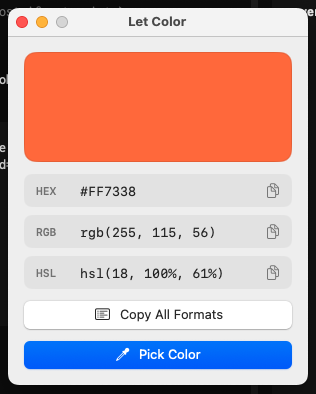
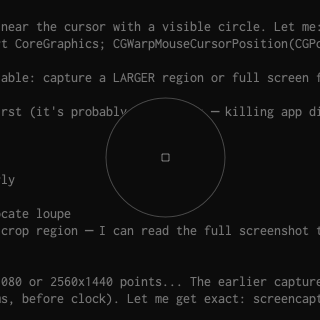
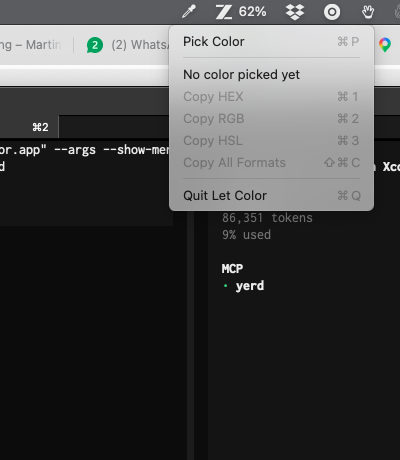
A native macOS color picker that lives in the menu bar — no Dock icon. Pick any pixel on your screen and copy it as HEX, RGB, or HSL. Left click on the tray icon opens the system loupe and auto-copies the hex value; right click opens a menu with all three formats. A main window shows the picked color with all copy options. No screen-recording permission needed, pure SwiftPM, no dependencies.
Source: minthemiddle/let-color